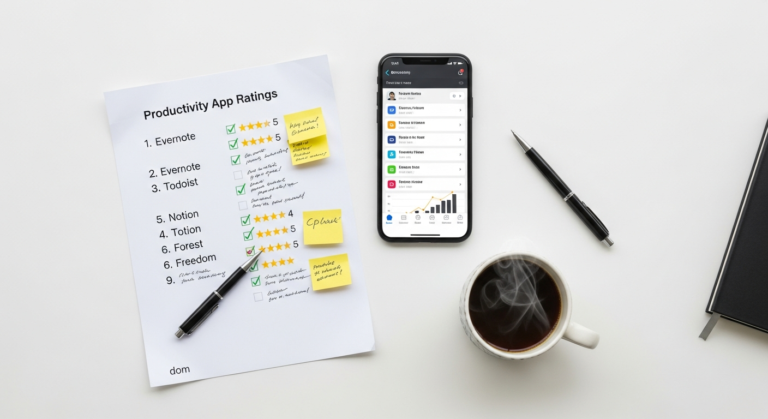
Unlock Your Potential: Diaal News’s Ultimate Guide to the Best Productivity Apps for Work in 2026
Let’s be real: in today’s fast-paced world, time isn’t just a commodity – it’s your most valuable asset. Every minute you spend feeling overwhelmed, missing deadlines, or getting sidetracked costs you, not just in terms of stress, but in lost opportunities for career growth and financial advancement. That’s where productivity apps come in. Think of them not as fancy tech toys, but as smart investments in yourself, designed to streamline your work, sharpen your focus, and ultimately put more money back in your pocket by making you more efficient and effective.
At Diaal News, we believe in practical steps that lead to real-world improvements. This isn’t about chasing the latest fad; it’s about equipping you with tried-and-true tools that genuinely make a difference. We’re talking about apps that help you manage tasks, conquer distractions, collaborate seamlessly, capture brilliant ideas, and even automate repetitive chores. By leveraging the right digital assistants, you can reclaim hours in your week, reduce mental clutter, and dedicate your energy to high-value work that truly moves the needle on your career and financial goals. Ready to transform the way you work and build a more productive, prosperous future? Let’s dive into the best productivity apps for work in 2026.
The Foundation: Task Management & Project Planners for Ultimate Control
If your to-do list lives across sticky notes, random scraps of paper, and an overflowing email inbox, you’re not just disorganized – you’re losing money. Every missed deadline, forgotten task, or duplicated effort chips away at your efficiency and your reputation. Task management and project planning apps are the bedrock of a productive workflow. They give you a centralized hub to capture every commitment, break down big goals into manageable steps, and track your progress with crystal clarity.
Why They’re Crucial for Your Financial & Career Growth:
Imagine you’re managing a complex project at work or even launching a side hustle. Without a clear system, critical steps get overlooked, deadlines slip, and suddenly you’re scrambling, working extra hours, and potentially jeopardizing client relationships or your own business venture. These apps ensure nothing falls through the cracks, allowing you to deliver consistently, build trust, and take on more challenging, higher-paying responsibilities.
Top Contenders for 2026:
* Asana: A powerhouse for team and individual project management. It lets you create projects, assign tasks, set due dates, add subtasks, and track progress visually. It’s incredibly versatile, from simple to-do lists to complex multi-stakeholder initiatives.
Cost:* Free for basic use (up to 15 users); paid plans start around $10.99/user/month for more advanced features like timelines and custom fields.
* Trello: Known for its intuitive Kanban board style, Trello uses cards, lists, and boards to organize tasks visually. Drag and drop functionality makes it super easy to move tasks through different stages (e.g., “To Do,” “Doing,” “Done”). Great for visual thinkers and agile teams.
Cost:* Free for unlimited cards and up to 10 boards; paid plans start at $5/user/month for more automation and integrations.
* Todoist: A minimalist yet powerful task manager perfect for personal and small team use. It excels at quick task capture, natural language input (e.g., “buy groceries tomorrow at 5 pm”), and smart recurring tasks.
Cost:* Free for basic tasks and projects; Pro plan is $4/month (billed annually) for reminders, labels, and more active projects.
Specific Tips & Step-by-Step Actions:
1. Start Small: Don’t try to migrate your entire life into an app overnight. Pick one recurring project or a personal goal (like “save $5,000 for a down payment”) and set it up.
2. Break It Down: For any goal, no matter how big, break it into smaller, actionable steps. For example, “Launch Side Hustle Website” becomes:
* “Research domain names”
* “Choose web hosting”
* “Design website layout”
* “Write website content”
* “Set up payment gateway”
* “Test website functionality”
3. Assign Due Dates: Every task needs a deadline, even if it’s just a soft one. This creates accountability and momentum.
4. Use Tags/Labels: Categorize tasks by priority, context (e.g., “home,” “work,” “urgent”), or project. This helps you filter and focus.
5. Review Regularly: Dedicate 10-15 minutes at the start or end of each day to review your tasks, update progress, and plan for the next day. This habit alone can save you hours of reactive work.
Real Example:
Let’s say you’re a freelance graphic designer. You can use Asana to manage each client project. Create a project for “Client X – Brand Redesign.” Within that project, create tasks like “Discovery Call (Due Jan 10),” “Mood Board Creation (Due Jan 15),” “Logo Concepts (Due Jan 22),” “Final Brand Guide Delivery (Due Feb 5).” Assign yourself (or team members) to each task, attach relevant files, and add comments for feedback. This ensures a smooth workflow, happy clients, and consistent income.
Focus & Time Management: Conquering Distractions and Reclaiming Your Hours
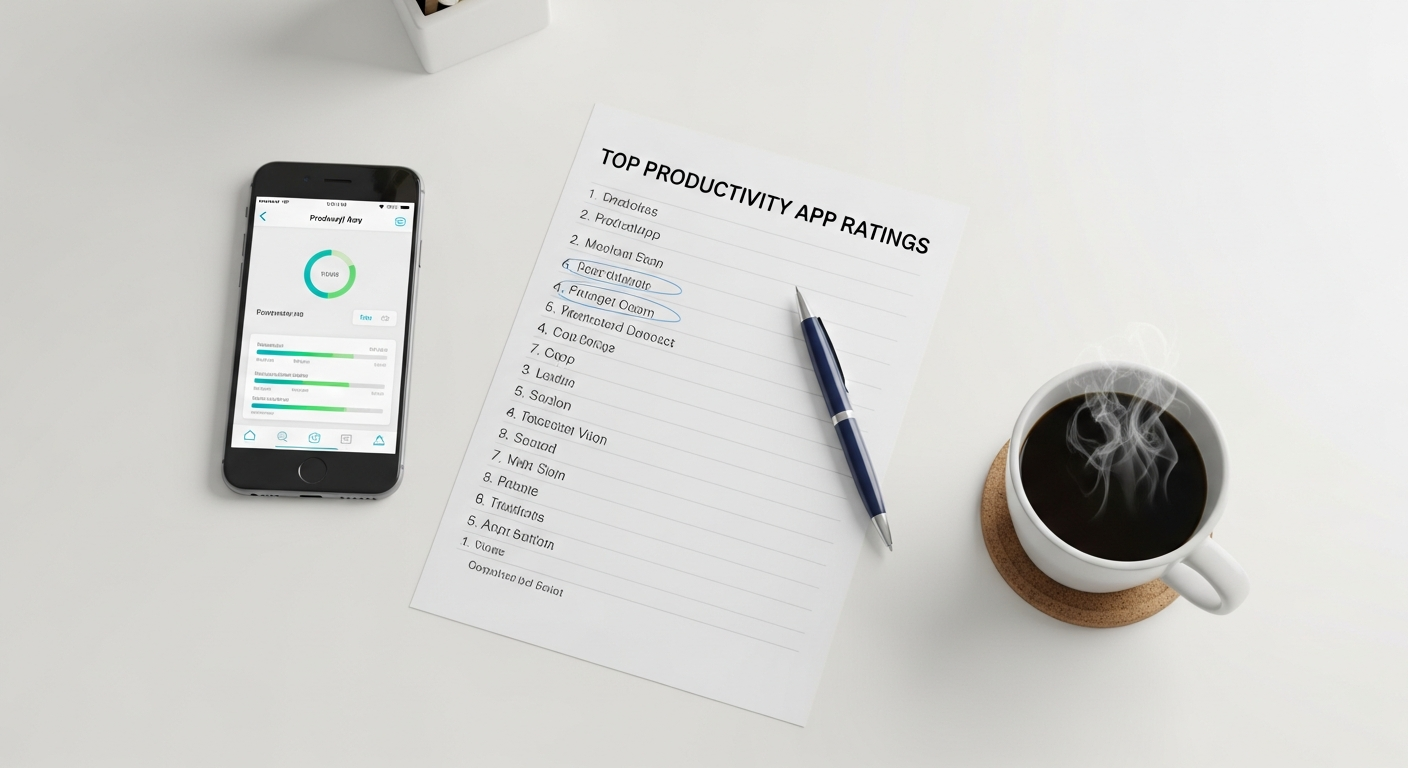
We live in a world of constant pings, notifications, and endless tabs. According to studies, it takes an average of 23 minutes to regain focus after an interruption. If you’re constantly battling distractions, you’re not just losing focus; you’re losing significant chunks of productive time that could be spent on high-impact work or even enjoying your personal life. Time management and focus apps are your digital bodyguards, protecting your precious attention.
Why They’re Crucial for Your Financial & Career Growth:
Deep, focused work is where innovation happens, complex problems are solved, and high-quality output is produced. By minimizing distractions, you can complete tasks faster, with fewer errors, and to a higher standard. This translates directly into better performance reviews, opportunities for promotion, and the ability to take on more valuable projects – all leading to increased earning potential. Plus, reclaiming focused hours means less overtime and more time for personal development or relaxation.
Top Contenders for 2026:
* Forest: A delightful app that encourages you to stay focused by growing a virtual tree. If you leave the app before your timer is up, your tree dies. This gamified approach provides a powerful incentive to resist distractions. You can even plant real trees by earning virtual coins!
Cost:* One-time purchase of $3.99 for mobile; free Chrome extension.
* Freedom: The ultimate distraction blocker. Freedom allows you to block distracting websites and apps across all your devices (computer, phone, tablet) for set periods. You can create custom blocklists and schedules.
Cost:* Starts at $8.99/month or $39.99/year.
* RescueTime: Automatically tracks your time spent on applications and websites, providing detailed reports on your productivity patterns. It helps you understand where your time really goes and identify your biggest time sinks. It can also block distractions.
Cost:* Free for basic tracking; Premium plan is $12/month for advanced features like distraction blocking and alerts.
* Focus Keeper (or any Pomodoro Timer): Based on the Pomodoro Technique, these apps break your work into focused 25-minute intervals, separated by short breaks. This structured approach helps maintain intensity and prevents burnout.
Cost:* Many are free; premium versions usually cost a few dollars for extra features.
Specific Tips & Step-by-Step Actions:
1. Identify Your Biggest Time Sinks: Use RescueTime for a week to understand where you’re truly spending your digital time. Are social media, news sites, or certain apps consuming hours you didn’t realize?
2. Schedule “Deep Work” Blocks: Look at your calendar and block out 1-2 hours each day specifically for focused, uninterrupted work on your most important tasks. Treat these blocks like non-negotiable meetings.
3. Implement the Pomodoro Technique: For tasks requiring sustained concentration, try a Pomodoro timer. Work intensely for 25 minutes, then take a 5-minute break. After four Pomodoros, take a longer 15-30 minute break. This rhythm keeps you energized and focused.
4. Leverage Blocking Apps: During your “Deep Work” blocks, activate Freedom or Forest to block your known distracting websites and apps. This creates an environment conducive to concentration.
5. Turn Off Notifications: Silence all non-essential notifications on your phone and computer during focused work periods. Your career and financial future depend on your ability to concentrate, not respond to every ping.
Real Example:
You have a critical quarterly report to write that requires intense focus. Before you start, open Freedom and block social media, news sites, and your email client for the next 2 hours. Set a Pomodoro timer for 25 minutes. During this time, work only on the report. When the timer rings, take a 5-minute break to stretch or grab water, but avoid checking your phone. Repeat this cycle. You’ll be amazed at how much you accomplish in those uninterrupted blocks compared to fragmented work.
Communication & Collaboration: Staying Connected, Not Overwhelmed
In an increasingly remote and hybrid work environment, effective communication and collaboration are non-negotiable. However, poorly managed communication can quickly become a time sink, leading to endless email chains, missed information, and frustrating delays. The right apps help you streamline conversations, share information efficiently, and keep projects moving forward without drowning in a sea of digital noise.
Why They’re Crucial for Your Financial & Career Growth:
Efficient communication directly impacts project timelines, client satisfaction, and team cohesion. When information flows smoothly, decisions are made faster, errors are reduced, and projects are delivered on time and within budget – all factors that enhance your professional reputation and contribute to your organization’s (or your own) bottom line. Conversely, poor communication can lead to costly mistakes, missed opportunities, and career stagnation.
Top Contenders for 2026:
* Slack: The king of instant messaging for teams. Slack organizes conversations into channels based on projects, topics, or departments. It integrates with hundreds of other apps, allowing for seamless file sharing, quick polls, and focused discussions.
Cost:* Free for small teams with limited message history; paid plans start around $7.25/user/month for unlimited history and advanced features.
* Microsoft Teams: A comprehensive collaboration platform, especially powerful for organizations already invested in the Microsoft 365 ecosystem. It combines chat, video meetings, file storage, and app integration into a single interface.
Cost:* Included with many Microsoft 365 subscriptions (starting around $6/user/month); a free version with core features is also available.
* Zoom/Google Meet: While primarily video conferencing tools, they are indispensable for remote collaboration. They allow for face-to-face meetings, screen sharing, and recording, replicating in-person interactions to a high degree.
Cost:* Free for basic meetings (e.g., Zoom’s 40-minute limit); paid plans start around $14.99/month for longer meetings, more participants, and advanced features.
Specific Tips & Step-by-Step Actions:
1. Define Communication Channels: For your team or even personal projects, decide what communication goes where. For example:
* Email: Formal announcements, external client communication, sensitive information.
* Slack/Teams: Quick questions, project updates, informal discussions, urgent alerts.
* Project Management App (e.g., Asana): Task-specific discussions, feedback on deliverables.
* Video Calls: Brainstorming sessions, complex discussions, important decisions.
2. Set Notification Boundaries: Don’t let these apps control your day. Turn off non-essential notifications or schedule specific times to check them. For Slack, use “Do Not Disturb” during focused work.
3. Use Channels Wisely: Create specific channels for different projects, clients, or topics. This prevents general channels from becoming overwhelming and ensures information is easily findable.
4. Leverage Integrations: Connect your communication app with your task manager or file storage (e.g., link Slack to Asana or Google Drive) to reduce context switching and make information accessible.
5. Practice Asynchronous Communication: If a response isn’t needed immediately, send a message rather than making a call. This respects everyone’s focus time and allows people to respond when it’s convenient for them.
Real Example:
You’re collaborating with a remote team on a new product launch. Instead of emailing back and forth, create a dedicated Slack channel “#product-launch-2026.” All discussions about marketing materials, development updates, and design feedback happen there. Use Slack’s integration with Google Drive to share documents directly. Schedule a weekly Zoom meeting for a high-level check-in and to make key decisions, but keep the day-to-day chatter and updates in Slack. This organized approach ensures everyone is on the same page, tasks move forward efficiently, and no critical information gets buried.
Note-Taking & Knowledge Management: Your External Brain for Brilliant Ideas

How many times have you had a brilliant idea in a meeting, only for it to vanish by the time you sit down at your desk? Or struggled to find that one crucial piece of information you know you wrote down somewhere? Your brain is for generating ideas, not for storing every single detail. Note-taking and knowledge management apps act as your reliable external brain, capturing every thought, insight, and piece of information, and organizing it so it’s always at your fingertips.
Why They’re Crucial for Your Financial & Career Growth:
In today’s knowledge economy, your ability to quickly access, synthesize, and leverage information is a superpower. These apps empower you to learn faster, contribute more effectively to discussions, remember client preferences, streamline research, and even develop new skills. Being known as the person who always has the right information or can quickly recall a key detail makes you invaluable, opening doors to promotions, better projects, and ultimately, higher earning potential.
Top Contenders for 2026:
* Notion: More than just a note-taking app, Notion is a flexible workspace that can be customized for notes, databases, wikis, project management, and more. It’s incredibly powerful for building a personalized knowledge hub.
Cost:* Free for personal use; Team plan starts at $8/user/month.
* Evernote: A classic in the note-taking space, Evernote excels at capturing all types of information – text notes, web clippings, audio recordings, images – and making it searchable. Its powerful search functionality is a standout feature.
Cost:* Free for basic features and limited syncing; Personal plan is $14.99/month for unlimited devices and features.
* Obsidian: A unique note-taking app that focuses on building a “second brain” through linked notes. It uses plain text Markdown files stored locally, giving you full control over your data. Great for complex thought processes and research.
Cost:* Free for personal use; commercial license available.
* OneNote: Microsoft’s freeform digital notebook. OneNote allows you to type, write, draw, and clip things from the web in a highly organized but flexible structure of notebooks, sections, and pages. Excellent for visual note-takers.
Cost:* Free (part of Microsoft 365 or standalone).
Specific Tips & Step-by-Step Actions:
1. Choose Your Primary Tool: Don’t try to use five different note apps. Pick one that resonates with your working style and commit to it.
2. Capture Everything: Make it a habit to immediately jot down ideas, meeting notes, articles, or anything important into your chosen app. Don’t rely on memory.
3. Organize with Tags & Links: Instead of rigid folder structures, leverage tags (e.g., #client-meeting, #project-X, #idea) and internal links between notes. This creates a flexible web of information. Notion and Obsidian excel here.
4. Create Templates: For recurring meetings, project plans, or content ideas, create templates. This saves time and ensures consistency. For example, a “Meeting Notes” template might include sections for attendees, agenda, discussion points, and action items.
5. Review and Refine: Periodically review your notes. Consolidate similar ideas, delete outdated information, and refine your organization system. This keeps your “external brain” sharp and useful.
Real Example:
You’re a product manager. You use Notion to create a central “Product Wiki.” Here, you have dedicated pages for each product, feature, and user persona. Meeting notes from development sprints are linked to relevant feature pages. Market research findings are stored and tagged with keywords. When a new team member joins, or you need to quickly reference a decision made six months ago, all the information is easily accessible and interconnected, saving you hours of searching and ensuring consistent product development.
Automation & Workflow Optimization: Let Tech Do the Heavy Lifting
How much of your workday is spent on repetitive, manual tasks? Copy-pasting data, moving files between apps, scheduling social media posts, or sending routine emails? These “micro-tasks” might seem insignificant, but they add up to hours each week – hours you could be spending on strategic thinking, client engagement, or skill development. Automation apps are your silent workforce, taking over these mundane chores and freeing you up for higher-value work.
Why They’re Crucial for Your Financial & Career Growth:
Automation is a direct investment in your time, which directly impacts your earning potential. By offloading repetitive tasks, you gain back valuable hours to focus on activities that generate income, improve your skills, or advance your career. You become more efficient, reduce the chance of human error, and demonstrate a forward-thinking approach to your work – all qualities highly valued by employers and clients, potentially leading to promotions, raises, or more lucrative contracts. Imagine saving 5 hours a week; that’s 260 hours a year, equivalent to over six work weeks!
Top Contenders for 2026:
* Zapier: The ultimate “glue” for your web applications. Zapier connects thousands of apps, allowing you to create automated workflows (called “Zaps”) without any coding. For example, “When a new email arrives with an attachment, save the attachment to Google Drive.”
Cost:* Free for limited tasks (up to 100 tasks/month); paid plans start around $19.99/month for more tasks and advanced features.
* IFTTT (If This Then That): Similar to Zapier but often geared more towards personal automation and smart home devices, IFTTT also connects various apps and services to create “Applets” (automated workflows).
Cost:* Free for up to 3 Applets; Pro plan is $2.50/month for unlimited Applets and faster execution.
* TextExpander: A lifesaver for anyone who types repetitive phrases, email responses, code snippets, or entire paragraphs. You create short abbreviations (e.g., “emlsub”) that automatically expand into full text.
Cost:* Starts at $3.33/month (billed annually).
* Keyboard Maestro (Mac only) / AutoHotkey (Windows only): Powerful desktop automation tools that allow you to create custom macros, hotkeys, and scripts to automate almost anything on your computer, from launching apps to manipulating text.
Cost:* Keyboard Maestro is a one-time purchase of $36; AutoHotkey is free.
Specific Tips & Step-by-Step Actions:
1. Identify Repetitive Tasks: For one week, keep a log of every task you do that feels repetitive or manual. Think about things you do multiple times a day or week.
Example Tasks:* Saving email attachments, posting to multiple social media channels, sending follow-up emails, creating recurring calendar events, formatting specific documents.
2. Start Simple with Text Expansion: If you frequently type the same email responses, addresses, or code snippets, get TextExpander. Create a snippet for your email signature, common client greetings, or answers to FAQs. This alone can save you minutes per email, adding up to hours.
3. Create Your First “Zap” or “Applet”:
* Think of a simple two-step automation. For example: “When I add a new row to a Google Sheet (Trigger), create a new task in Todoist (Action).”
* Go to Zapier or IFTTT, find the apps you want to connect, and follow their step-by-step guides. They are designed for non-technical users.
4. Automate Information Flow:
* Set up a Zap to automatically save email attachments from a specific sender to a cloud storage folder (e.g., Google Drive, Dropbox).
* Automate social media posting: When you publish a new blog post, automatically share it on LinkedIn and Twitter.
5. Review and Refine: Periodically check your automations to ensure they are still relevant and working correctly. Look for new opportunities to automate as your workflow evolves.
Real Example:
You’re a content creator who publishes a new blog post every week. Manually, this involves writing the post, uploading it to WordPress, then separately posting links on LinkedIn, Twitter, and Facebook, and finally adding it to your content calendar in Notion. With Zapier, you can create a multi-step Zap:
1. Trigger: New WordPress post published.
2. Action 1: Post a link to LinkedIn.
3. Action 2: Tweet the link.
4. Action 3: Post to Facebook page.
5. Action 4: Create a new entry in your “Published Content” database in Notion.
This single automation saves you at least 30 minutes of manual work for every post, allowing you to focus on creating more high-quality content or engaging with your audience.
How to Choose and Integrate Your Productivity Toolkit for Maximum Impact
The sheer number of productivity apps can be overwhelming. The goal isn’t to download everything; it’s to strategically select tools that solve your specific pain points and integrate them into a cohesive system that amplifies your efforts, rather than adding more complexity.
Why This Step is Crucial for Your Financial & Career Growth:
A scattered approach to productivity tools can actually decrease your efficiency, leading to app fatigue, duplicated effort, and subscription overload. By thoughtfully curating your toolkit, you ensure every dollar spent on an app delivers a tangible return on investment (ROI) in terms of time saved, stress reduced, and improved output. This strategic thinking is a highly valued skill that will serve you well in any professional role.
Specific Tips & Step-by-Step Actions:
1. Conduct a “Productivity Audit”:
* For one week, observe your workflow. What tasks frustrate you? Where do you feel stuck? What takes too much time?
Examples:* “I spend 2 hours a day sorting emails,” “I forget important deadlines,” “I get distracted by social media constantly,” “My team struggles to share files.”
2. Identify Your Biggest Pain Points: Based on your audit, list your top 2-3 productivity challenges. This will guide your app selection. If you’re constantly missing deadlines, a task manager is your priority. If you’re always distracted, a focus app is key.
3. Start with One App, One Problem: Don’t try to overhaul your entire system at once. Pick one app that directly addresses your most pressing pain point.
Action:* If task management is your biggest issue, choose Asana or Todoist and commit to using it for all new tasks for two weeks.
4. Leverage Free Trials and Free Tiers: Most reputable productivity apps offer a free trial or a robust free tier. Use these to test if an app fits your workflow before committing financially.
Think of the ROI:* If a $10/month app saves you 3 hours of work (at your hourly rate, say $30/hour), that’s a $90 saving for a $10 investment – a clear win!
5. Prioritize Integration: As you add more apps, think about how they “talk” to each other.
* Does your task manager integrate with your calendar?
* Can your communication app share files from your cloud storage?
* Can you automate workflows between them using Zapier or IFTTT?
Action:* Before purchasing a new app, check its integration capabilities with your existing tools.
6. Create a “Productivity Hub”: Designate one app (like Notion or your task manager) as your central hub. Link to other relevant apps or information from there. This reduces context switching.
7. Regularly Review Your Toolkit: Every 3-6 months, assess if your current apps are still serving you well. Are there redundancies? Are you paying for features you don’t use? Be willing to switch if a better solution emerges.
Real Example:
Sarah, a marketing manager, feels overwhelmed by scattered information and constant distractions.
1. Audit: She realizes she jumps between email, Slack, and her browser all day, and her notes are everywhere. Her biggest pain points are focus and knowledge capture.
2. Selection: She decides to tackle focus first with Freedom (to block distractions) and then knowledge capture with Notion (to centralize her notes).
3. Integration: She sets up Freedom to block social media during her deep work blocks. She starts migrating all her meeting notes and project research into Notion, creating a central wiki. She then creates a Zapier automation: when a new “Action Item” is added to her Notion database, it creates a task in her existing Todoist app.
This phased, integrated approach ensures she’s not just adding tools, but building a powerful, interconnected system that actually makes her more effective and less stressed.
FAQ: Your Top Productivity App Questions Answered
Q1: How do I know which productivity app is right for me?
A: The best way is to identify your biggest pain points first. Are you struggling with missed deadlines, constant distractions, or disorganized notes? Start by researching apps specifically designed to solve that core problem. Leverage free trials and free tiers to test out 2-3 options. Don’t try to adopt too many at once; pick one, integrate it, and see if it genuinely improves your workflow before adding another.
Q2: Are free productivity apps good enough, or do I need to pay for premium versions?
A: Many free productivity apps (like Todoist Free, Trello Free, OneNote, or the basic versions of Slack/Teams) are incredibly powerful and more than sufficient for individual use or small teams. You should consider a paid version only when you hit a specific limitation in the free tier that directly impacts your productivity, or when the advanced features (e.g., more storage, deeper analytics, integrations, priority support) offer a clear return on investment by saving you significant time or enabling critical functions for your work.
Q3: How can I avoid “app fatigue” or getting overwhelmed by too many tools?
A: The key is strategic selection and integration. Don’t download every trending app. Focus on a core set of 3-5 apps that address your primary needs (e.g., one for tasks, one for focus, one for notes, one for communication). Ensure they can integrate with each other to avoid duplicating information. Regularly review your toolkit to remove apps you no longer use. Remember, the goal is simplification, not complication.